


 [鸿蒙]OpenHarmony4.0的Rust开发

背景
Rust 是一门静态强类型语言,具有更安全的内存管理、更好的运行性能、原生支持多线程开发等优势。Rust 官方也使用 Cargo 工具来专门为 Rust 代码创建工程和构建编译。 OpenHarmony 为了集成 C/C++ 代码和提升编译速度,使用了 GN + Ninja 的编译构建系统。GN 的构建语言简洁易读,Ninja 的汇编级编译规则直接高效。 为了在 OpenHarmony 中集成 Rust 代码,并最大程度发挥 Rust 和 OpenHarmony 中原有 C/C++ 代码的交互性,采用 GN 作为统一构建工具,即通过 GN 构建 Rust 源码文件(xxx.rs),并增加与 C/C++ 互操作、编译时 lint、测试、IDL 转换、三方库集成、IDE 等功能。同时扩展 gn 框架,支持接口自动化转换,最大程度简化开发。
基本概念

配置规则
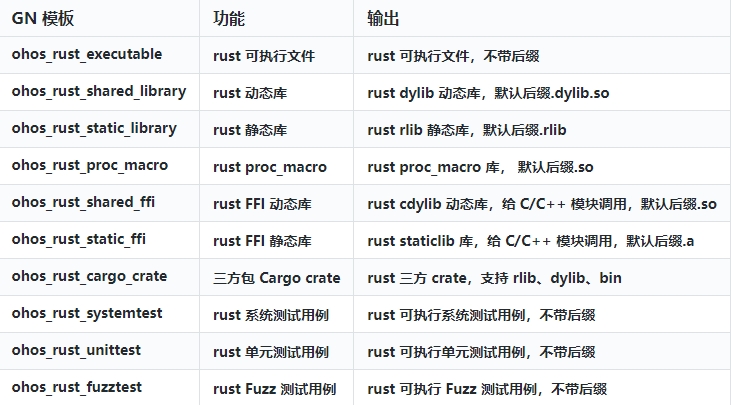
OpenHarmony 提供了用于 Rust 代码编译构建的各类型 GN 模板,可以用于编译 Rust 可执行文件,动态库和静态库等。各类型模板说明如下:
配置 Rust 静态库示例
该示例用于测试 Rust 可执行 bin 文件和静态库 rlib 文件的编译,以及可执行文件对静态库的依赖,使用模板 ohos_rust_executable 和 ohos_rust_static_library。操作步骤如下:
1.创建 build/rust/tests/test_rlib_crate/src/simple_printer.rs,如下所示:
//! simple_printer
/// struct RustLogMessage
pub struct RustLogMessage {
/// i32: id
pub id: i32,
/// String: msg
pub msg: String,
}
/// function rust_log_rlib
pub fn rust_log_rlib(msg: RustLogMessage) {
println!("id:{} message:{:?}", msg.id, msg.msg)
}
2.创建 build/rust/tests/test_rlib_crate/src/main.rs,如下所示:
//! rlib_crate example for Rust.
extern crate simple_printer_rlib;
use simple_printer_rlib::rust_log_rlib;
use simple_printer_rlib::RustLogMessage;
fn main() {
let msg: RustLogMessage = RustLogMessage {
id: 0,
msg: "string in rlib crate".to_string(),
};
rust_log_rlib(msg);
}
3.配置 gn 脚本 build/rust/tests/test_rlib_crate/BUILD.gn,如下所示:
import("//build/ohos.gni")
ohos_rust_executable("test_rlib_crate") {
sources = [ "src/main.rs" ]
deps = [ ":simple_printer_rlib" ]
}
ohos_rust_static_library("simple_printer_rlib") {
sources = [ "src/simple_printer.rs" ]
crate_name = "simple_printer_rlib"
crate_type = "rlib"
features = [ "std" ]
}
4.执行编译得到的可执行文件,运行结果如下:
./build.sh --product-name rk3568 --build-target build/rust/tests:tests  --no-prebuilt-sdk
hdc_std.exe shell mount -o rw,remount /
hdc_std.exe shell file send test_dylib_crate /data/local/tmp
hdc_std.exe file send libsimple_printer_dylib.dylib.so /system/lib

hdc_std.exe shell
# cd /data/local/tmp
# chmod +x test_dylib_crate
# ./test_dylib_crate
id:0 message:"string in rlib crate"
配置 Rust 应用系统库示例
1.增加依赖
// GN 里增加依赖
ohos_rust_executable("test_dylib_crate") {
  sources = [ "src/main.rs" ]
  deps = [ ":simple_printer_dylib" ]
  # 增加外部依赖
  external_deps = [ "hilog:hilog_rust" ]
}

// bundle.json 里增加依赖
"components": [
  "hilog"
],
2.增加调用
extern crate simple_printer_dylib;
use simple_printer_dylib::rust_log_dylib;
use simple_printer_dylib::RustLogMessage;
//! 增加引用
use std::ffi::{ c_char, CString };
use hilog_rust::{hilog, info, HiLogLabel, LogType};
const LOG_LABEL: HiLogLabel = HiLogLabel {
log_type: LogType::LogCore,
domain: 0xD002220,
tag: "TEST_RUST",
};
fn main() {
let msg: RustLogMessage = RustLogMessage {
id: 0,
msg: "string in rlib crate".to_string(),
};
rust_log_dylib(msg);
//! 增加调用
info!(LOG_LABEL, "Fnished enable all keys.");
}
3.运行测试
// 运行
# ./test_dylib_crate
id:0 message:"string in rlib crate"

// 查看hilog
# hilog | grep Fnished
08-17 05:14:18.121 29293 29293 I C02220/TEST_RUST: Fnished enable all keys.
为了能让大家更好的学习鸿蒙 (OpenHarmony) 开发技术,这边特意整理了《鸿蒙 (OpenHarmony)开发学习手册》,希望对大家有所帮助:
《鸿蒙(Harmony OS)开发学习手册》
入门必看:https://docs.qq.com/doc/DUk51cHZJaUpmSlhH
1.应用开发导读(ArKTS)
2.……
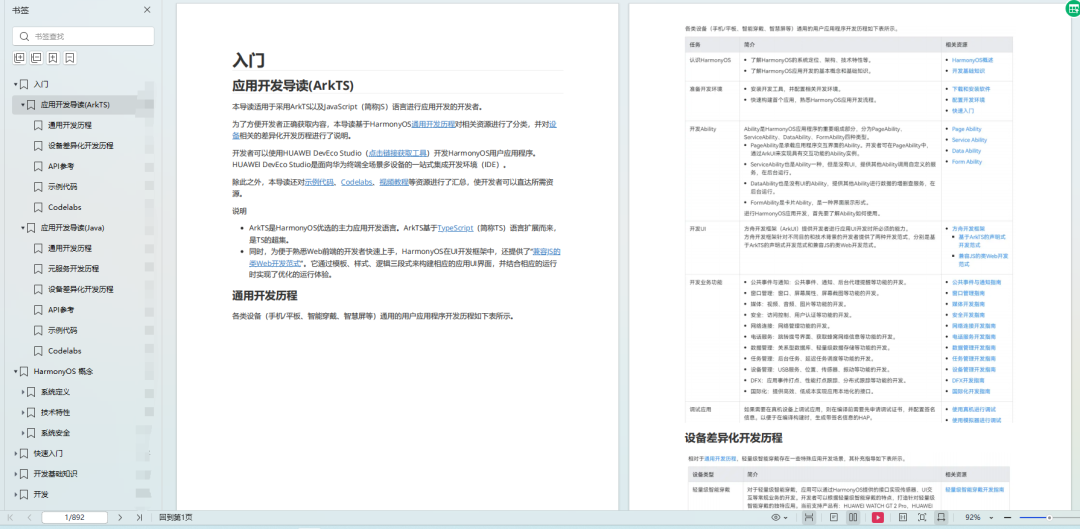
HarmonyOS概念:https://docs.qq.com/doc/DUk51cHZJaUpmSlhH
1.系统定义
2.技术框架
3.技术特性
4.系统安全
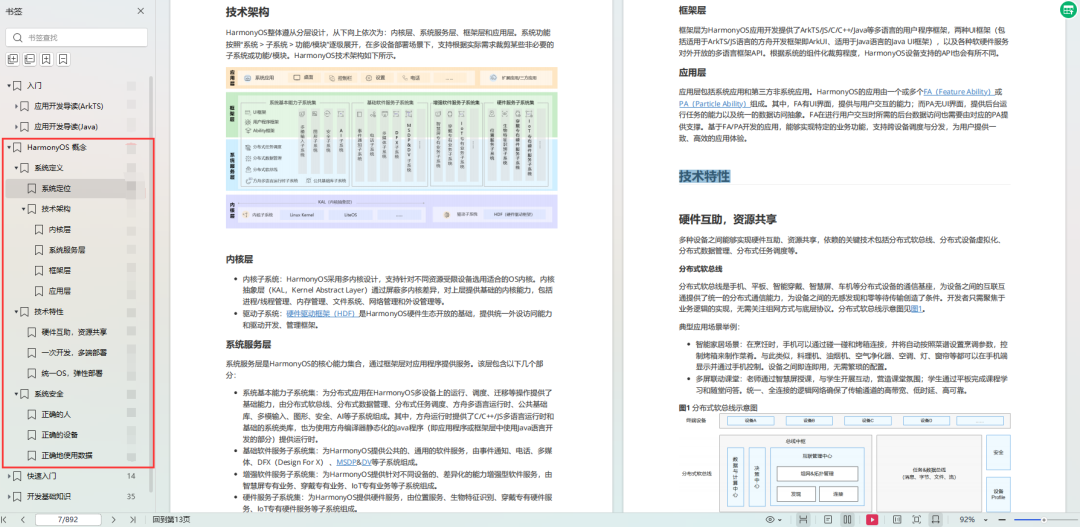
快速入门:https://docs.qq.com/doc/DUk51cHZJaUpmSlhH
1.基本概念
2.构建第一个ArkTS应用
3.构建第一个JS应用
4…
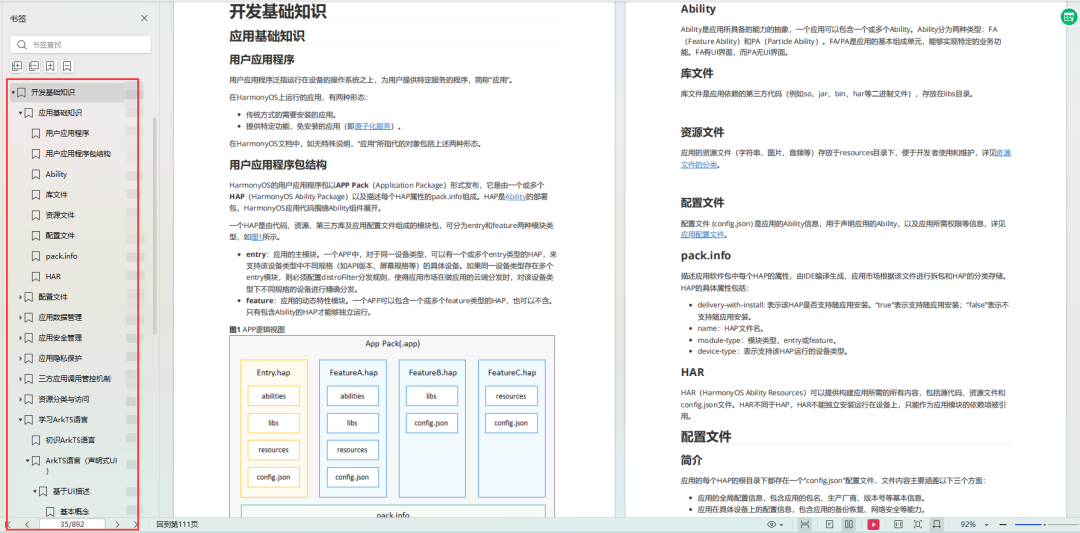
开发基础知识:https://docs.qq.com/doc/DUk51cHZJaUpmSlhH
1.应用基础知识
2.配置文件
3.应用数据管理
4.应用安全管理
5.应用隐私保护
6.三方应用调用管控机制
7.资源分类与访问
8.学习ArkTS
9…
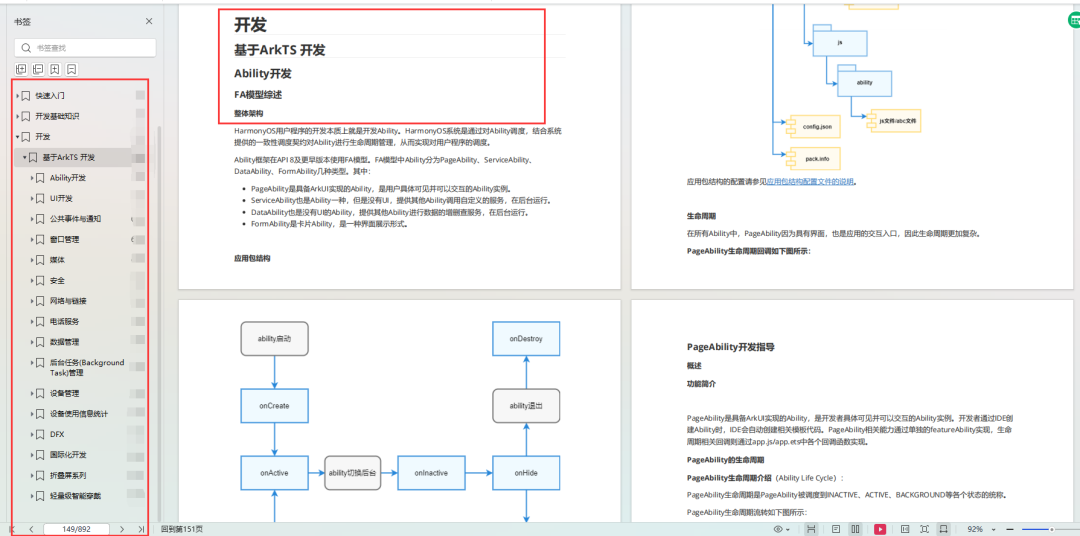
基于ArkTS 开发:https://docs.qq.com/doc/DUk51cHZJaUpmSlhH
1.Ability开发
2.UI开发
3.公共事件与通知
4.窗口管理
5.媒体
6.安全
7.网络与链接
8.电话服务
9.数据管理
10.后台任务(Background Task)管理
11.设备管理
12.设备使用信息统计
13.DFX
14.国际化开发
15.折叠屏系列
16………
-
Rust
+关注
关注
1文章
241浏览量
7684 -
鸿蒙
+关注
关注
60文章
3064浏览量
46270 -
OpenHarmony
+关注
关注
33文章
3984浏览量
21458
发布评论请先 登录
2025开放原子开发者大会旋武开源社区Rust分论坛成功举办
2025开放原子开发者大会旋武社区Rust分论坛即将启幕
融合AI的OpenHarmony应用软件开发:ai学习自律辅助软件
触觉智能Purple Pi OH开发板率先适配OpenHarmony6.0 Release,鸿蒙明星开发板
触觉智能RK3576开发板通过OpenHarmony5.0 XTS认证
【置顶公告】视美泰开源鸿蒙系列产品业务咨询与商务合作通道正式开启!
触觉智能RK3576开发板OpenHarmony开源鸿蒙系统USB控制传输功能示例
触觉智能RK3506开发板通过OpenHarmony 5.1 XTS认证,引领鸿蒙开发新标杆!

开鸿开发板深度体验:从开源鸿蒙开发到AI场景实践

开源鸿蒙开发必备!OpenHarmony替换Full SDK全攻略

触觉智能鸿蒙开发板率先通过OpenHarmony5.0认证(生态产品兼容性证书)
全志科技亮相OpenHarmony开发者大会2025
润和软件旗下润开鸿亮相开源鸿蒙开发者大会2025
华为亮相2025开源鸿蒙开发者大会
贝启BQ3568HM 开发板被选用为 OpenHarmony 明星开发板




评论